
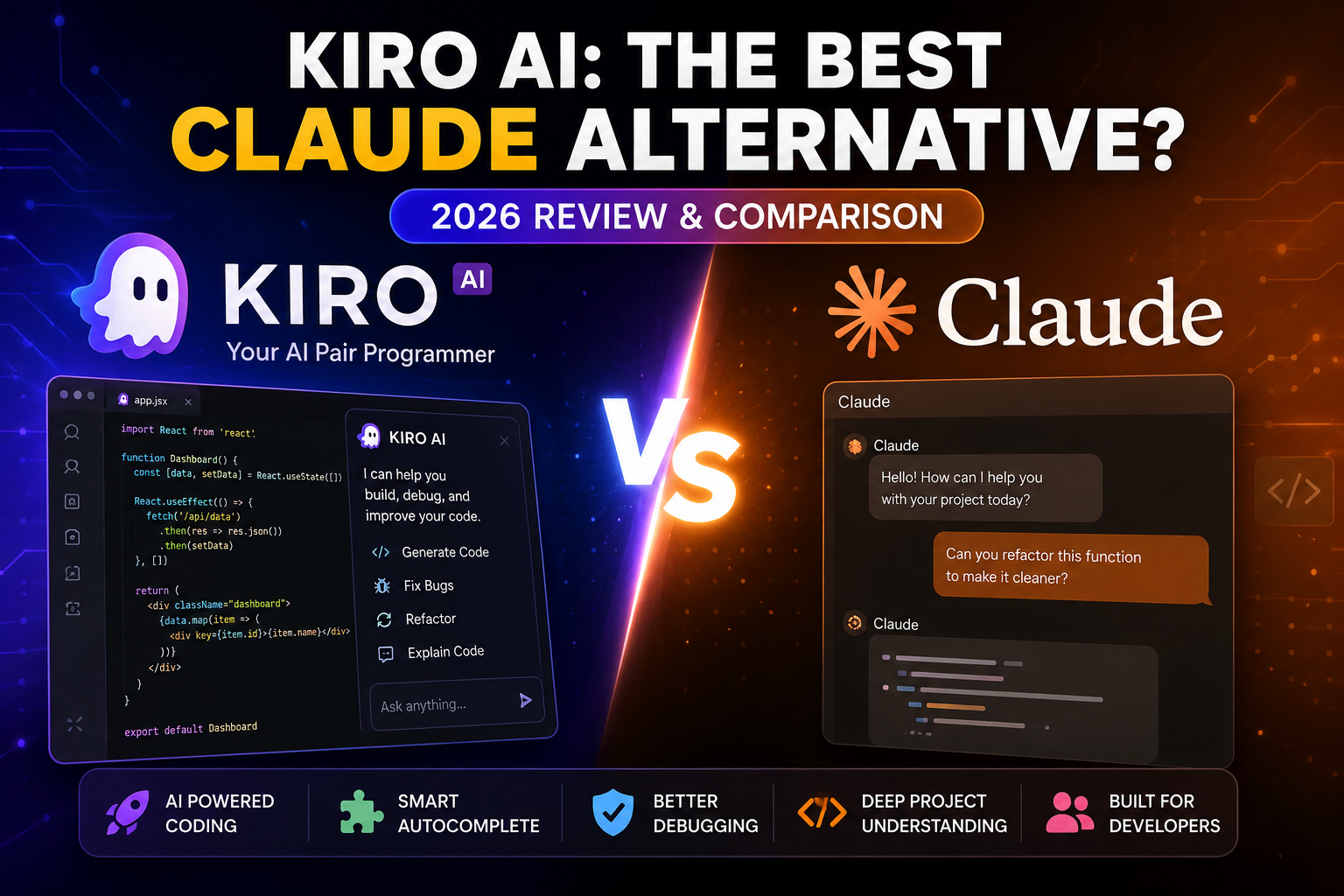
After Copilot, Codex, and other free AI tools reduce their free token limit and make the renewal time go from weekly to monthly, there is no such good free alternative available on the internet. We all know that in the coding world, Claude AI is the top AI and the best Claude alternative for developers in 2026, free is very few, and one of the best alternatives is Kiro AI.
Table of Contents
What Is Kiro AI?
Kiro is an AI-powered coding assistant and IDE developed by AWS. Built on familiar open-source standards, it guides developers from a prompt to production-ready software by breaking down ideas into structured specifications, automating routine tests and documentation, and allowing agents to execute tasks in the background.
If you are new to vibe coding and you want a free Claude alternative, Kiro is best for you because it comes in an IDE, CLI, and it use Anthropic Claude, OpenAI GPT and Open-Weight Models.
Why Are Developers Looking for a Claude Alternative?
First of all, Claude is paid, and the price is a little bit high from other alternative ai. It has usage limits and a complex mechanism. So for a beginner who just landed on vibe coding are genaraly want some similar but free so they can familiarize themselves with the coding AI agent, then they can switch to any AI tool.
The Kiro AI is mostly similar to Codex or Claude AI, so beginners have a good alternative to use before jumping to a paid one.
Kiro AI Features
Spec-Driven Development: Translates your prompts into structured, trackable requirements, architecture designs, and step-by-step implementation tasks.
Agentic Task Execution: Kiro’s autonomous agents can break tasks down into a dependency graph, running independent tasks in parallel waves to speed up development.
Agent Steering & Steering Files: Provide persistent project knowledge so the AI agent remembers your specific conventions, libraries, and coding patterns across sessions without needing repeated instructions.
Agent Hooks: Event-driven background automations that trigger the AI to execute routine tasks (like refactoring or testing) when specific events occur.
Model Context Protocol (MCP) Support: Connects your IDE to specialized tools and external APIs for expanded capability.
VS Code Compatibility: Built on familiar foundations, allowing you to seamlessly use Open VSX plugins, your preferred themes, and existing settings.
Kiro AI vs Claude
| Feature | Kiro AI | Claude |
|---|---|---|
| Developer | Amazon Web Services (AWS) | Anthropic |
| Primary Purpose | AI-powered coding assistant and IDE | General-purpose AI assistant for writing, coding, analysis, and reasoning |
| Best For | Software developers, coding teams, DevOps | Writers, students, researchers, developers, and business users |
| AI Focus | Code generation, debugging, project planning, and software development | Natural language understanding, coding, document analysis, and creative tasks |
| Code Generation | ⭐⭐⭐⭐⭐ Excellent | ⭐⭐⭐⭐☆ Very Good |
| Code Refactoring | Excellent support for improving existing code | Good support with detailed explanations |
| Bug Detection & Fixes | Built for debugging and code improvements | Can identify and explain bugs effectively |
| Large Project Context | Designed to understand project structure and workflows | Strong long-context support for analyzing large codebases and documents |
| Natural Language Writing | Basic | Excellent |
| Reasoning & Problem Solving | Strong for software engineering tasks | Excellent across technical and non-technical topics |
| IDE Integration | Native IDE experience (supported editors may vary) | Primarily web app and API; editor integrations often rely on third-party extensions |
| Supported Programming Languages | Multiple popular languages (e.g., Python, JavaScript, Java, TypeScript, C#, Go) | Supports most major programming languages through prompts |
| Project Planning | Helps generate specifications, tasks, and implementation plans | Can create plans and documentation through conversation |
| Code Explanation | Excellent | Excellent |
| Documentation Generation | Yes | Yes |
| Learning Curve | Easy for developers familiar with IDEs | Very easy for both beginners and professionals |
| Free Version | Availability depends on current AWS offering | Yes, with usage limits |
| Paid Plans | May require AWS account or paid services for advanced features | Claude Pro subscription available |
| API Access | AWS ecosystem | Anthropic API |
| Best Choice For | Professional software development workflows | Everyday AI assistance plus coding support |
Pros and Cons of Kiro AI
Pros
- Easy to use
- Developer-focused
- Good code suggestions
- IDE integration
- Helpful for large projects
Cons
- Mention only verified limitations.
- Avoid making claims you can’t support.
Pricing
There are mostly five plans, but we only need the free one, which includes 50 credits per month, and if it is sufficient, but if you want, you can make multiple accounts or buy the small paid plans, which is Kiro Pro. Kiro Pro plan is 20$ but it gives you 1000 credits, which is way better or high then claude one.
Best Claude Alternatives
Don’t just stop at Kiro you can find other alternatives also:
Include a few alternatives:
Continue.dev
Claude
GitHub Copilot
Cursor
Windsurf
Codeium
Amazon Q Developer
Frequently Asked Questions
What is the best alternative of Claude?
For free, Kiro & Codeium are good alternatives.
What is Kiro AI?
Kiro AI is an AI-powered coding assistant designed to help developers write, debug, refactor, and understand code more efficiently.
Is Kiro free to use?
Kiro offers a free tier that allows users 50 credits per month.